Use Vela in n8n
Bring your business software into an n8n workflow.
The outcome
The connector result becomes input for your next node.
n8nMakeMCPAPI
n8n
Workflow JSON
↗Your connector inputs, already structured.
paramsdatepractitioner_id
Your path, in three steps.
- 01
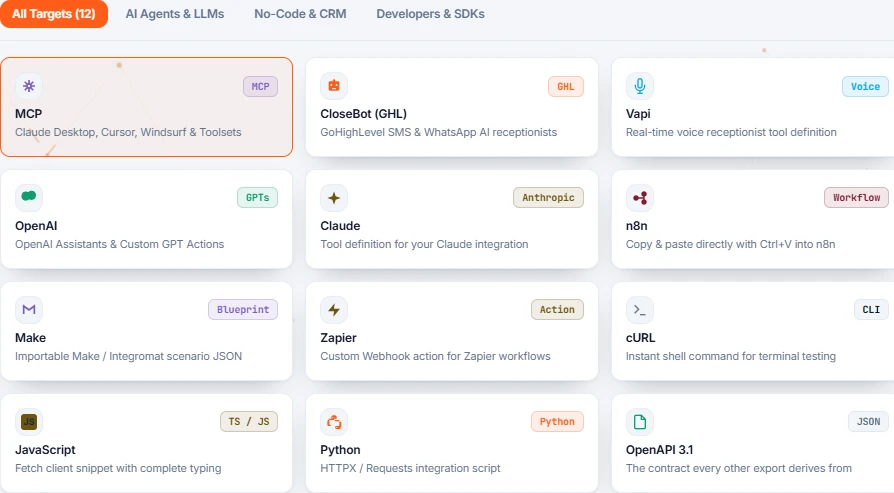
Choose n8n in Vela
Open Integrations & Exports on the connector, select n8n and copy the generated workflow.
- 02
Add it to your workflow
Paste the nodes into the n8n editor or import the JSON file downloaded from Vela.
- 03
Map, then verify
Connect the trigger to the imported node. Map inputs to your data and verify the result before continuing the workflow.
IN VELA · CHOOSE A DESTINATIONEnlarge ↗
An input, a response, then a record of what happened.
↗Your situation doesn’t match the guide?
Talk to the team ↗